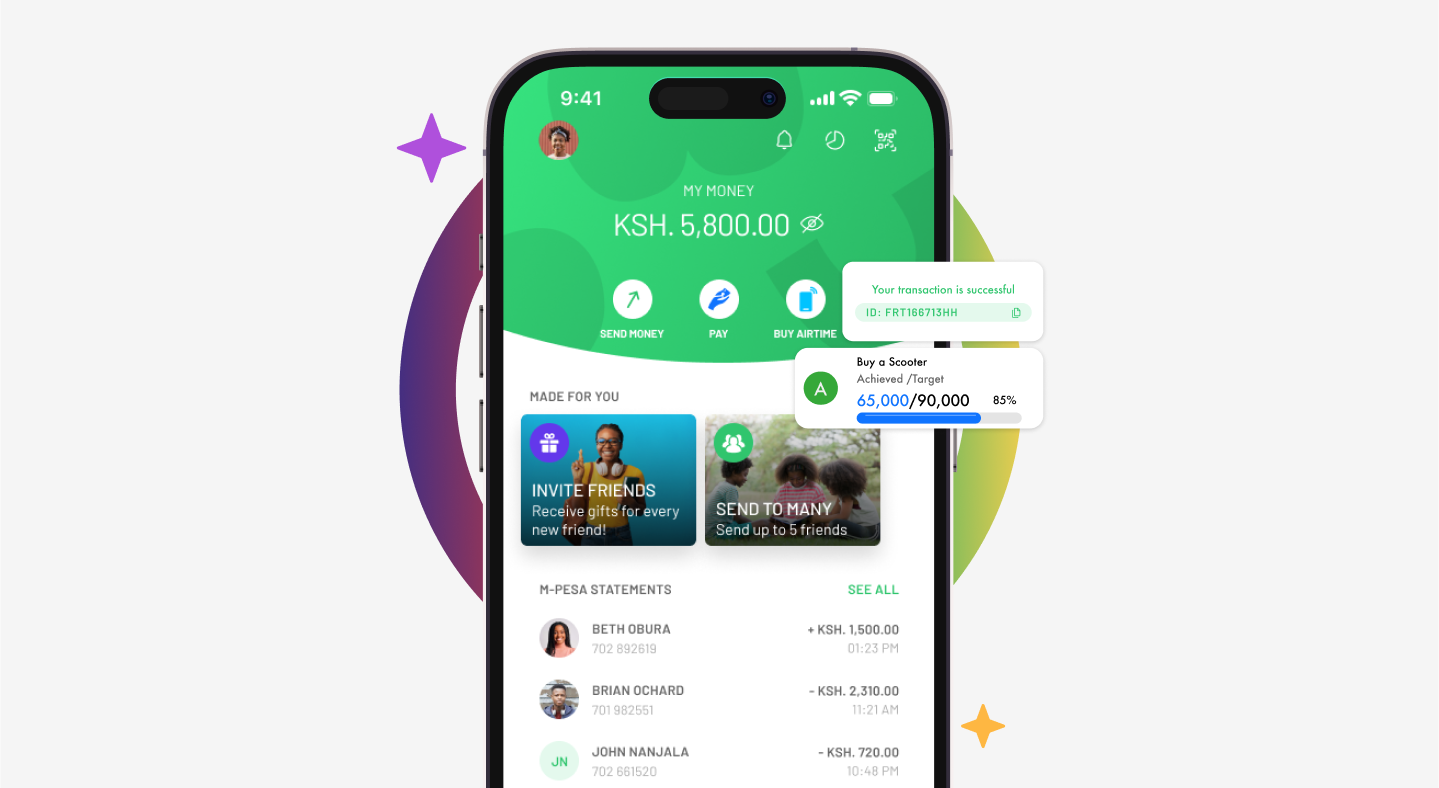
M-Pesa remains Kenya’s dominant mobile money platform, serving over 40 million customers.
While most users rely on basic send-money and Lipa na M-Pesa functions, several powerful, underutilised features can enhance convenience, security, financial management, and even wealth-building.
This article highlights lesser-known tools based on official Safaricom services and recent updates.
1. Pochi La Biashara – Separate Business and Personal Funds
Many small business owners (boda-boda operators, mama mbogas, and kiosk owners) mix personal and business money. Pochi La Biashara creates a dedicated wallet within your M-Pesa line.
Key Benefits:
- Customers pay directly to your Pochi number.
- Funds stay separate from your main M-Pesa (Fuliza does not deduct from Pochi).
- Withdraw directly from Pochi at agents, send money, sell airtime, or transfer to your main M-Pesa.
- Activate via *334# > Pochi La Biashara > Join.
This feature helps track business cash flow and supports better financial discipline.
2. M-Pesa Ratiba – Automated Recurring Payments
Set up standing orders for regular transfers, bill payments, or savings without manual effort each month.
Use Cases:
- Rent, school fees, family support, or savings.
- Airtime purchases or PayBill payments.
- Small recurring charge (KSh 5 + standard fees) applies.
Access through the M-Pesa menu or app for automated convenience.
3. Ziidi Money Market Fund & Ziidi Trader – Earn and Invest Directly
- Ziidi MMF: Transfer as little as KSh 100 from M-Pesa to earn daily competitive interest. Transactions to/from the fund are free.
- Ziidi Trader (launched 2026): Buy and sell shares on the Nairobi Securities Exchange (NSE) directly in the M-Pesa app using your existing wallet and PIN. No CDS account or extra paperwork required. Ideal for micro-investing.
READ ALSO:Safaricom Moves to Stabilise My OneApp After Challenging Debut
These options transform M-Pesa from a transaction tool into a basic investment platform.
4. Number Masking & Sender Verification (Privacy Feature, 2026)
Since March 24, 2026, sender phone numbers in transaction SMS are partially masked (e.g., 0722****000), showing only the first and last names to enhance privacy and reduce fraud.
How to Verify Full Details:
- Forward the transaction SMS to *334# or the designated code within 24 hours.
- This balances privacy with security for disputes or confirmations.
5. Advanced Security and Account Management Options
- Security Questions: Set up via *334# > My Account > M-PESA PIN Manager. Useful for PIN recovery.
- Hakikisha: Confirm recipient names before sending large amounts.
- Transaction Reversal: Possible in specific cases. Act quickly and contact support with the code.
- PIN Protection Tips: Use *334# for safer access; some users enter a wrong PIN first on STK for added security in public.
6. Emerging and App-Exclusive Features
- Request Money: Available primarily in the M-Pesa App for registered users.
- Tap-to-Pay / NFC Contactless: Rolling out for faster merchant payments (following pilots in other markets).
- Bill Splitting and Shared Wallets: Newer tools for group expenses or family/couple accounts (gradually expanding).
Practical Tips for Discovery
- Dial *334# regularly to explore the full menu—it consolidates most services.
- Download the official M-Pesa App for a richer interface and exclusive options.
- Check your Fuliza and M-Shwari limits via the same menu; responsible use can increase them.
- Always verify the latest features and charges directly on Safaricom’s website or *334#, as the platform evolves rapidly (e.g., Fintech 2.0 upgrades improved speed and reliability).
M-Pesa has evolved far beyond simple transfers. Features like Pochi La Biashara, Ziidi investments, Ratiba automation, and enhanced privacy tools offer significant value for those who explore them.
Taking time to review the *334# menu or M-Pesa App can unlock better money management, security, and growth opportunities.
For business or high-volume users, combining these with a linked bank account remains the most powerful strategy.
This guide is based on official Safaricom documentation and public announcements as of mid-2026. Features, fees, and availability may change; always confirm directly with Safaricom.


Leave a Reply